
Invision Prompting Guide
InVision’s Stream Diffusion engine lets you generate constantly evolving AI visuals on the fly.
Whether you’re performing live, designing installations, or just exploring, it all starts with your words.
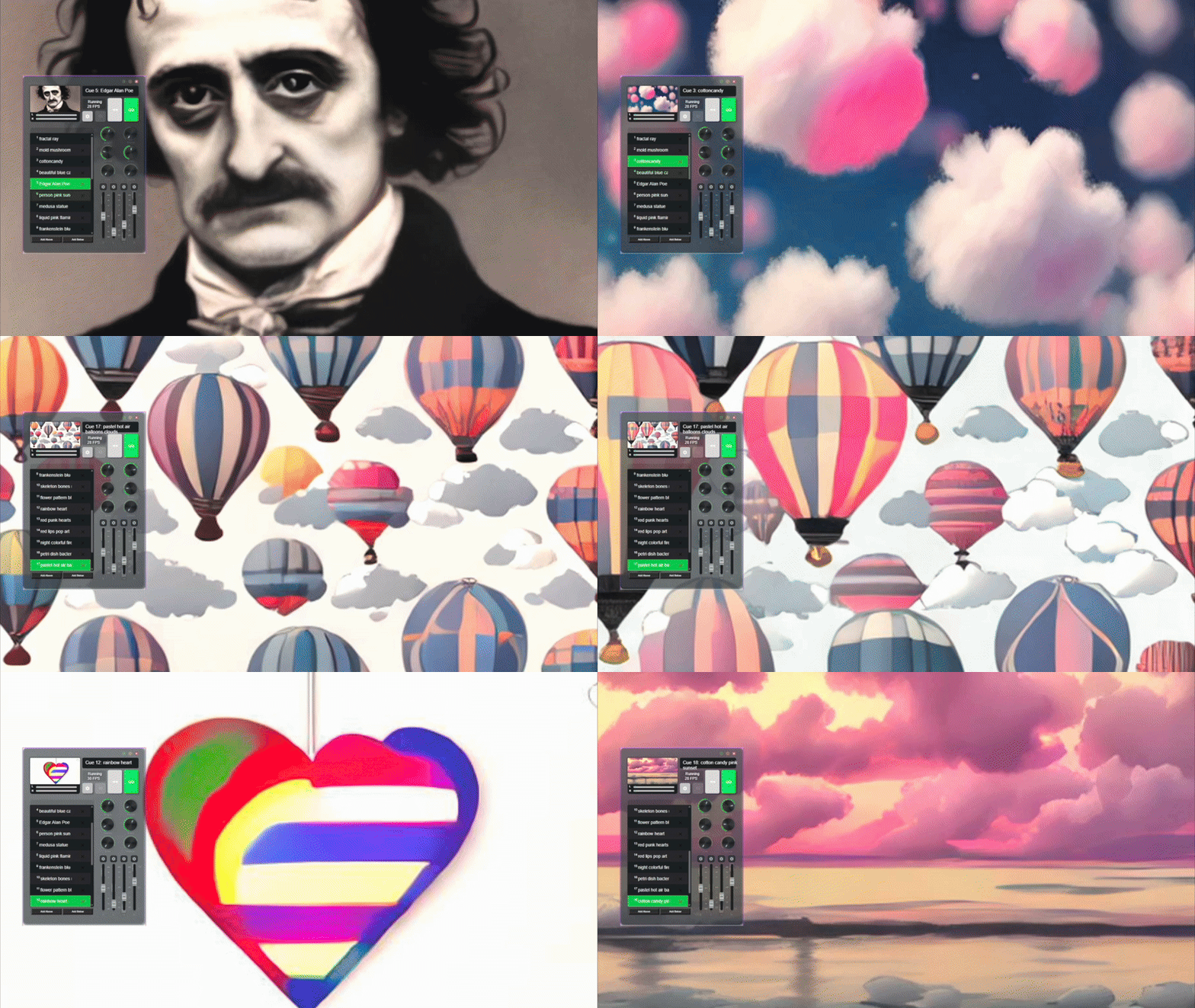
Try These to Get Started
“Edgar Alan Poe”“Cotton Candy”“Pastel Hot Air Balloons”“Rainbow Heart”“Cotton Candy Pink Sunset”
How to Prompt Like a Pro
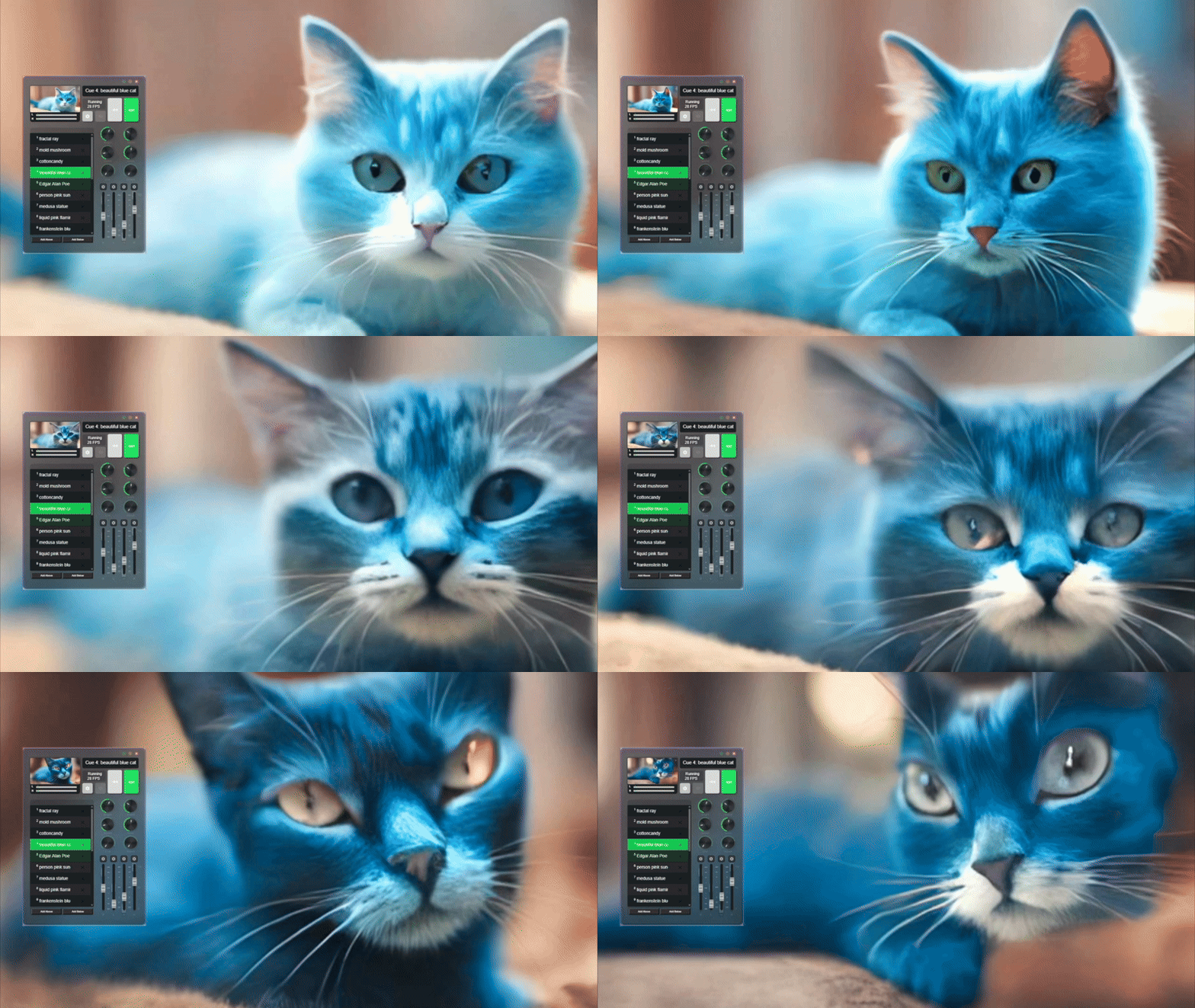
1. Keep It Short + Visual
Stream Diffusion reacts in real-time — the faster it can parse your prompt, the faster the visuals flow.
Use concrete, visual language:
Good - “Beautiful
Blue Cat”
Good - ”Flower Patterns”
Bad - “a metaphor for modern disconnection through post-industrial decay”
2. Style Boosters (Optional Add-Ons)
Add flair with stylistic modifiers:
Mood:
surreal,dreamlike,euphoric,chaoticMedium:
digital painting,ink sketch,hologramLighting:
volumetric,glitchy,soft ambient,strobeEra/Aesthetic:
cyberpunk,retro sci-fi,ancient,futuristic
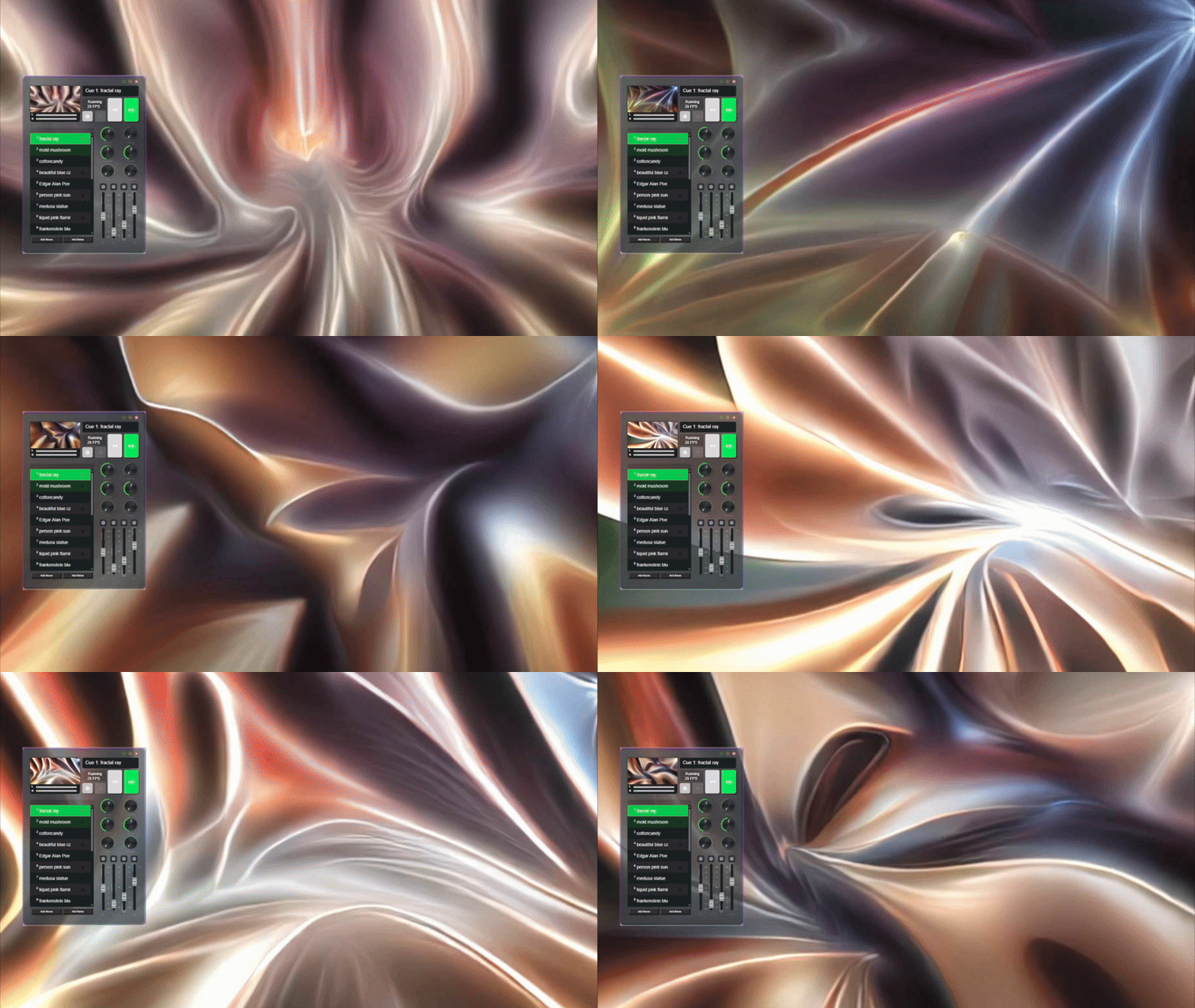
3. Prompt Evolution = Magic
Evolve the vibe mid-performance:
Update every 15–60 seconds for movement and narrative
Chain ideas together for live storytelling
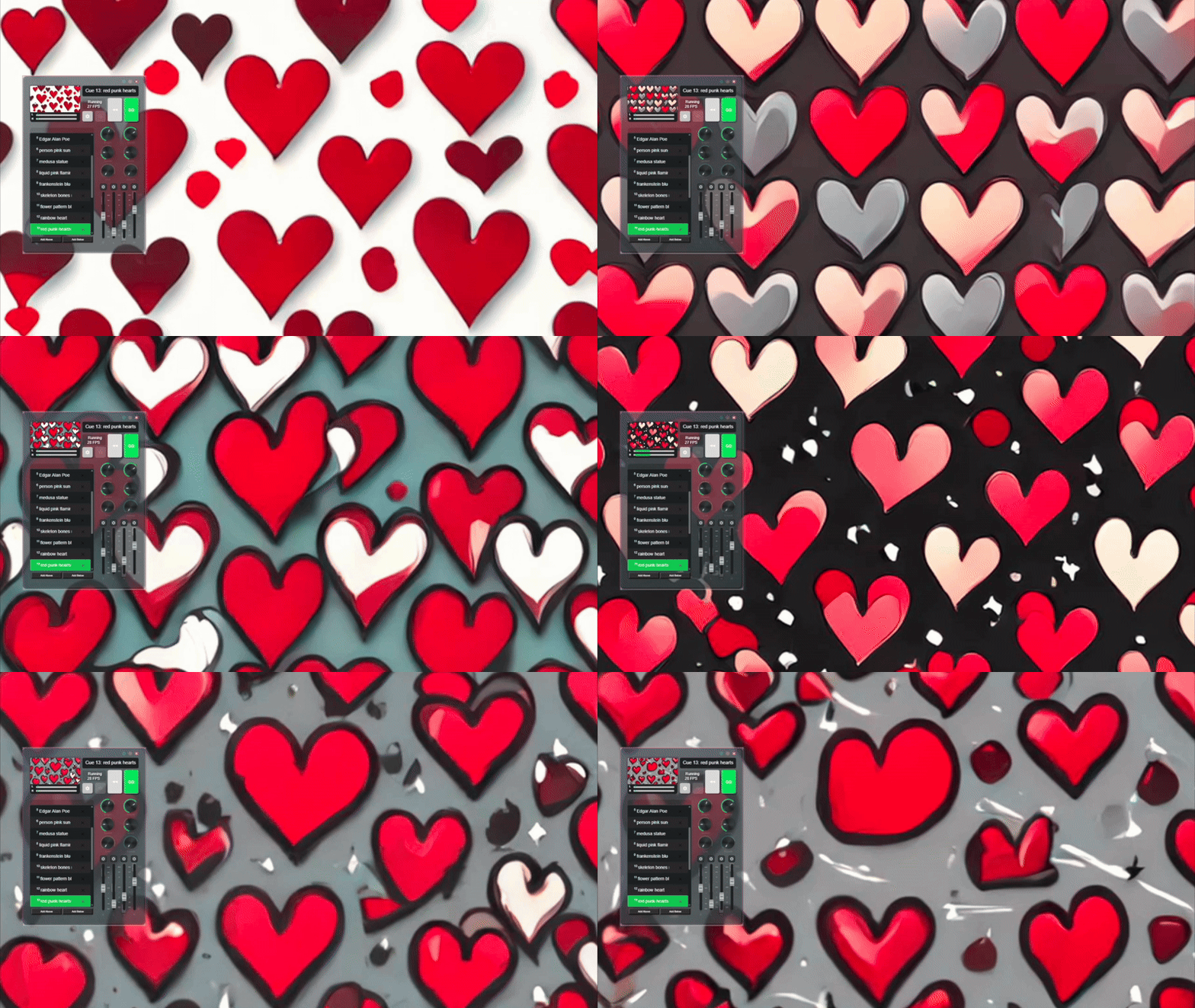
red punk hearts→red lips pop art→night colorful fireworksContrast adds drama:
calm ↔ chaos • organic ↔ mechanical • sunrise ↔ apocalypse
4. Avoid These Common Pitfalls
Long poetic descriptions (keep it snappy)
Repeating the same phrase (no boost in quality)
Vague abstractions (be image-driven!)